How we built it
Courts and people on one screen
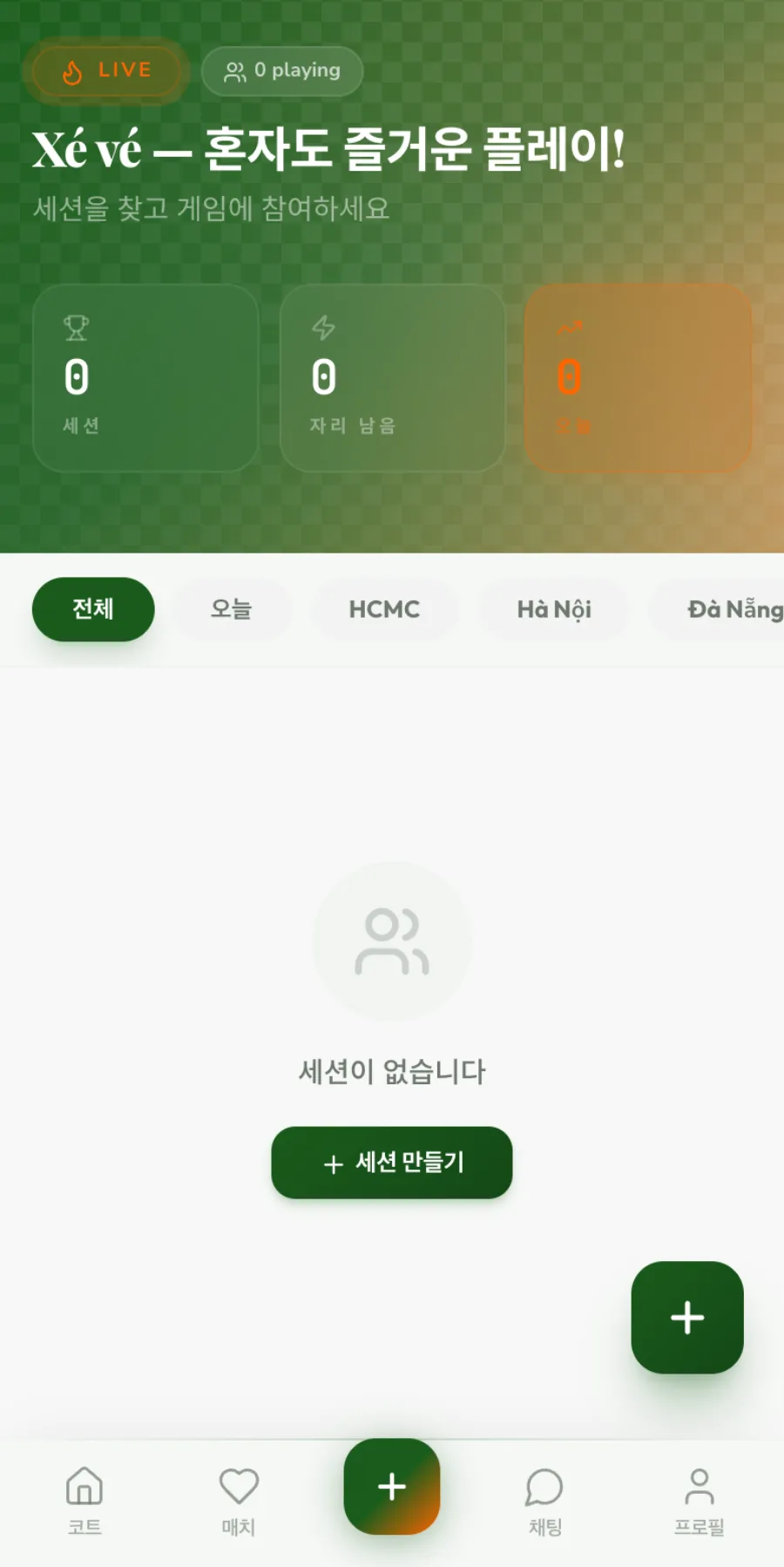
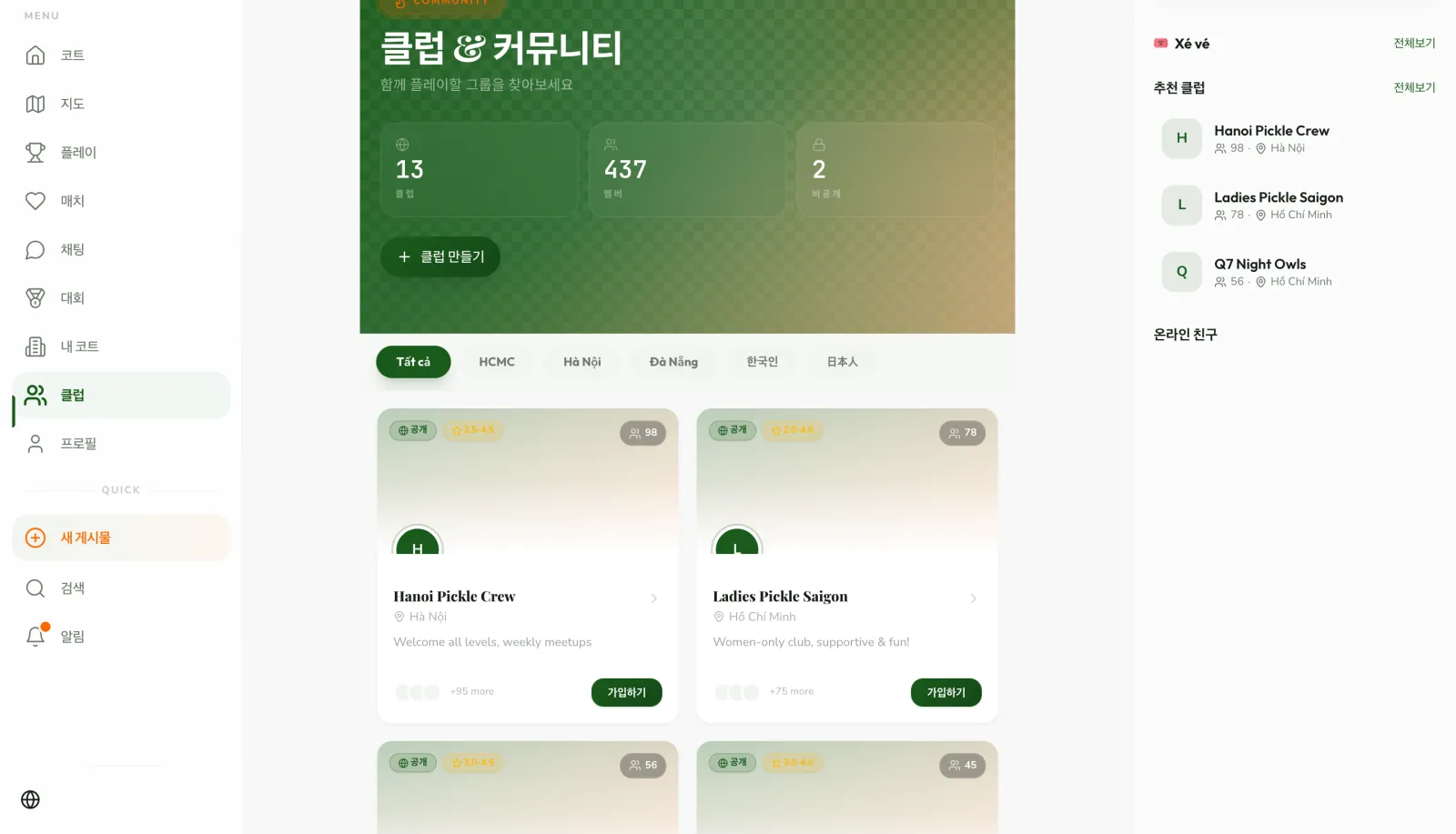
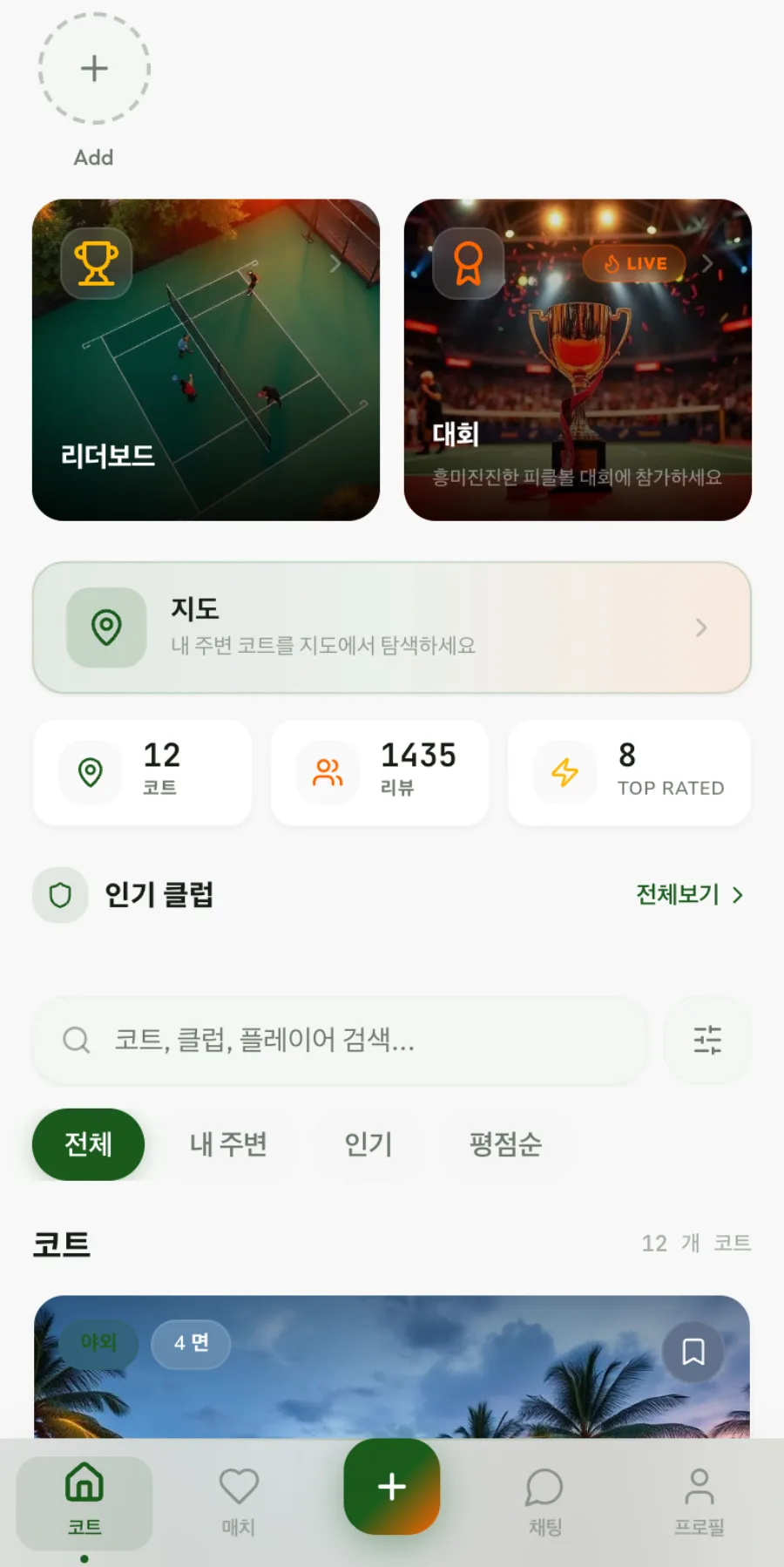
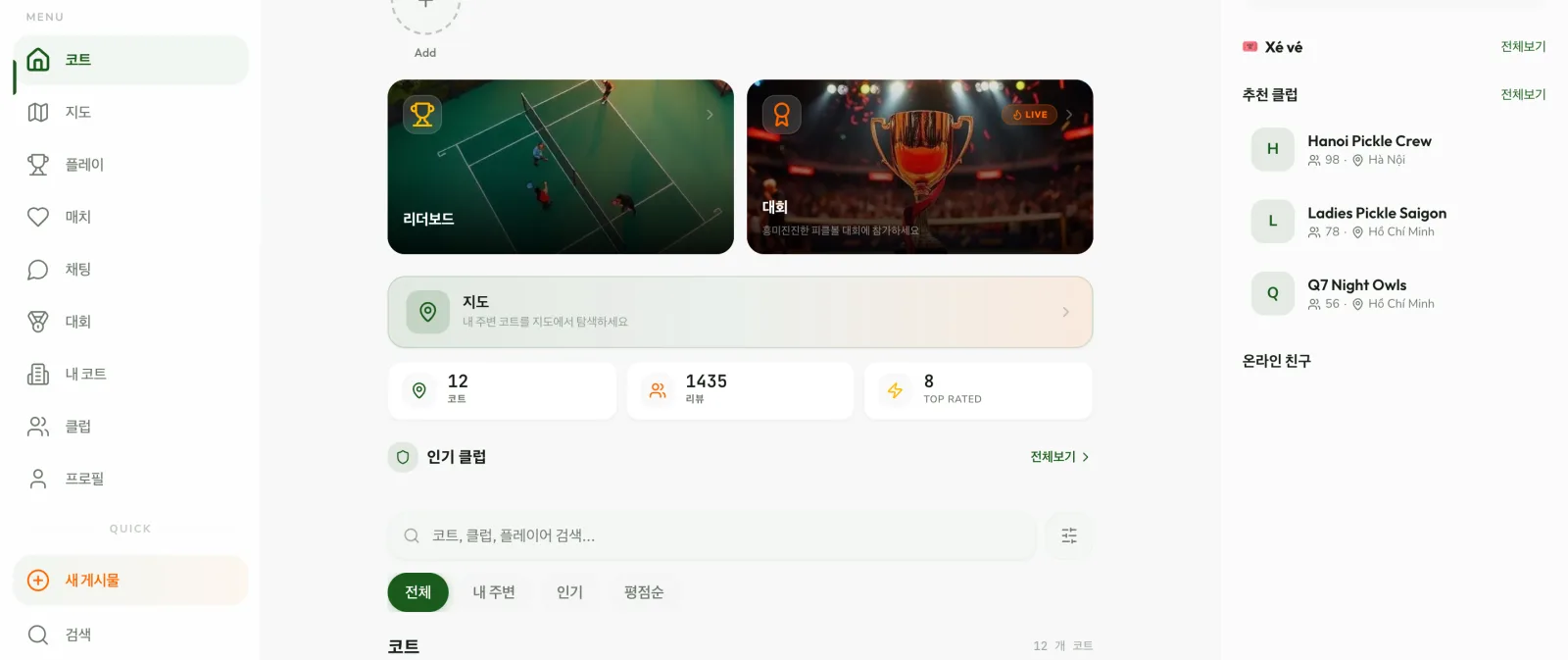
At the top of the first screen are entry points to the leaderboard, tournaments and the map. Below that, you search for courts and sort them by nearby, popular or top rated. On wide screens, single-spot (Xé vé) sessions and recommended clubs appear on the right.
On a phone, the same content stacks in a single column, and the bottom tabs take you straight to courts, matches, chat and profile. Finding a court and finding people to play with both start from the same screen.
A closer look at one court
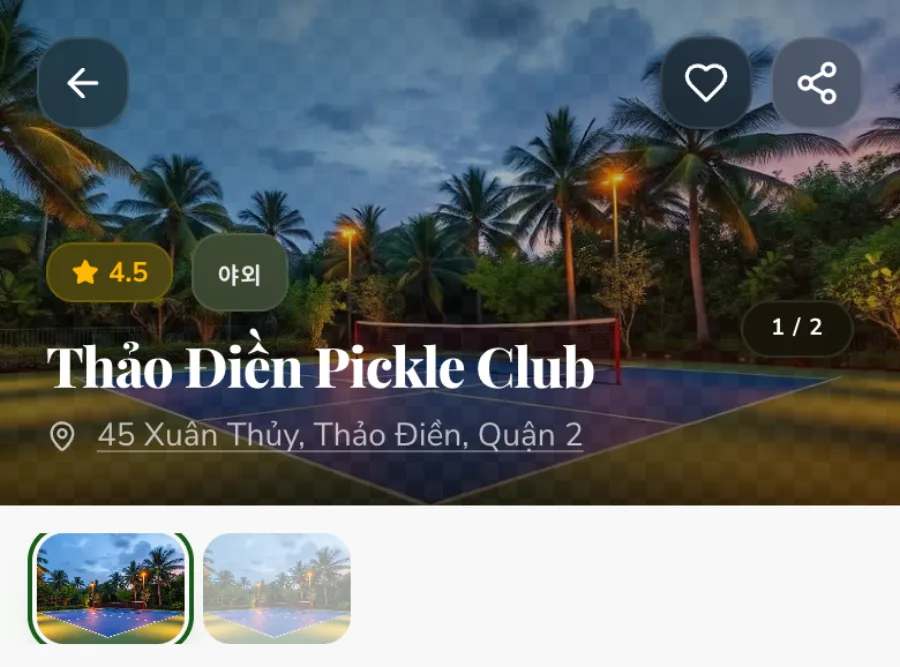
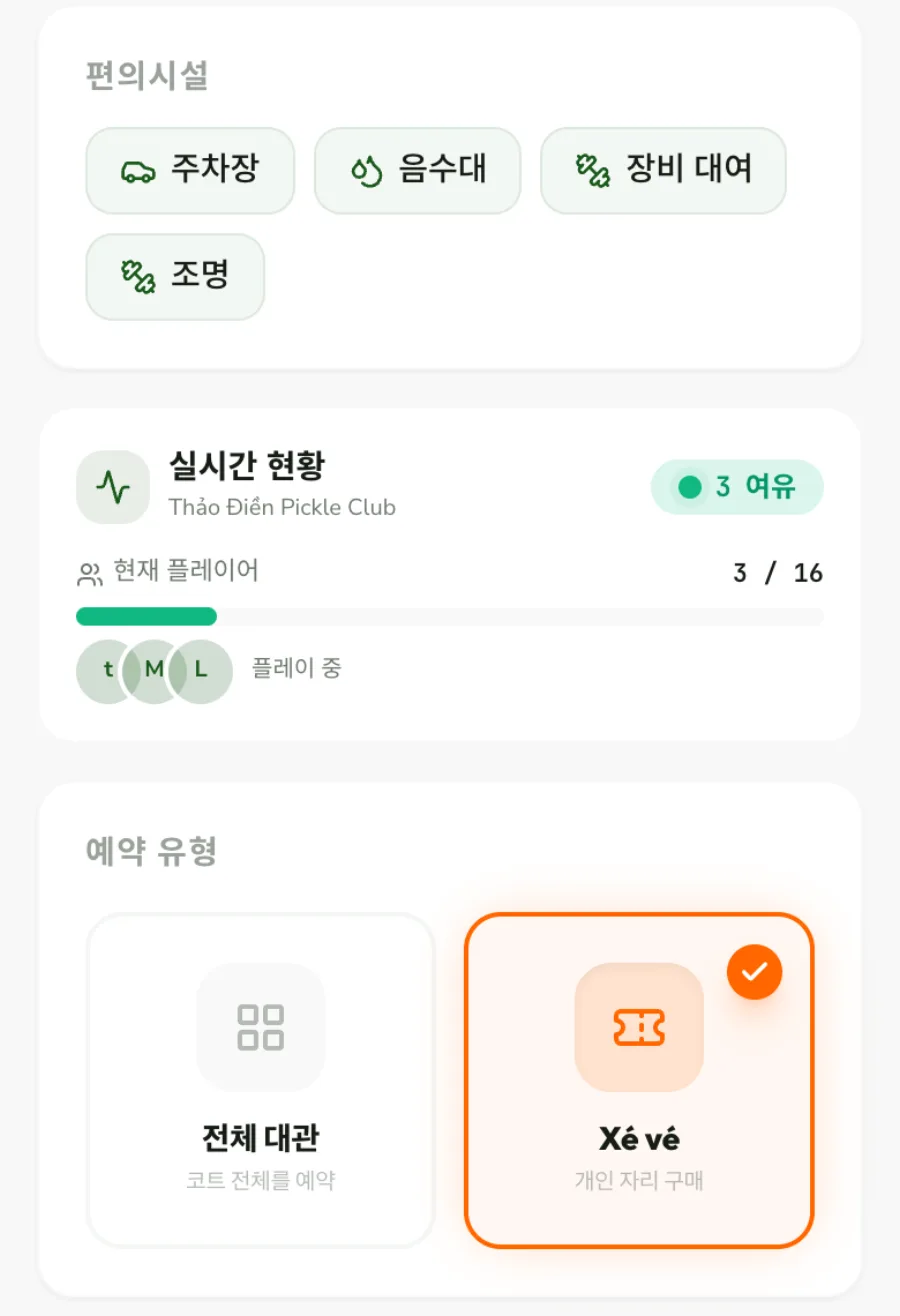
Court details bring together photos, rating, reviews, number of courts, indoor or outdoor, and amenities such as parking, water fountains, equipment rental and lighting. Live status shows how many people are playing on the court right now and how many spots are left.
Booking continues right below on the same page. First choose between a full court rental and Xé vé, which buys a single player spot in an already open session. Players who come alone can join a game without renting the whole court.
Date, court and time, one at a time
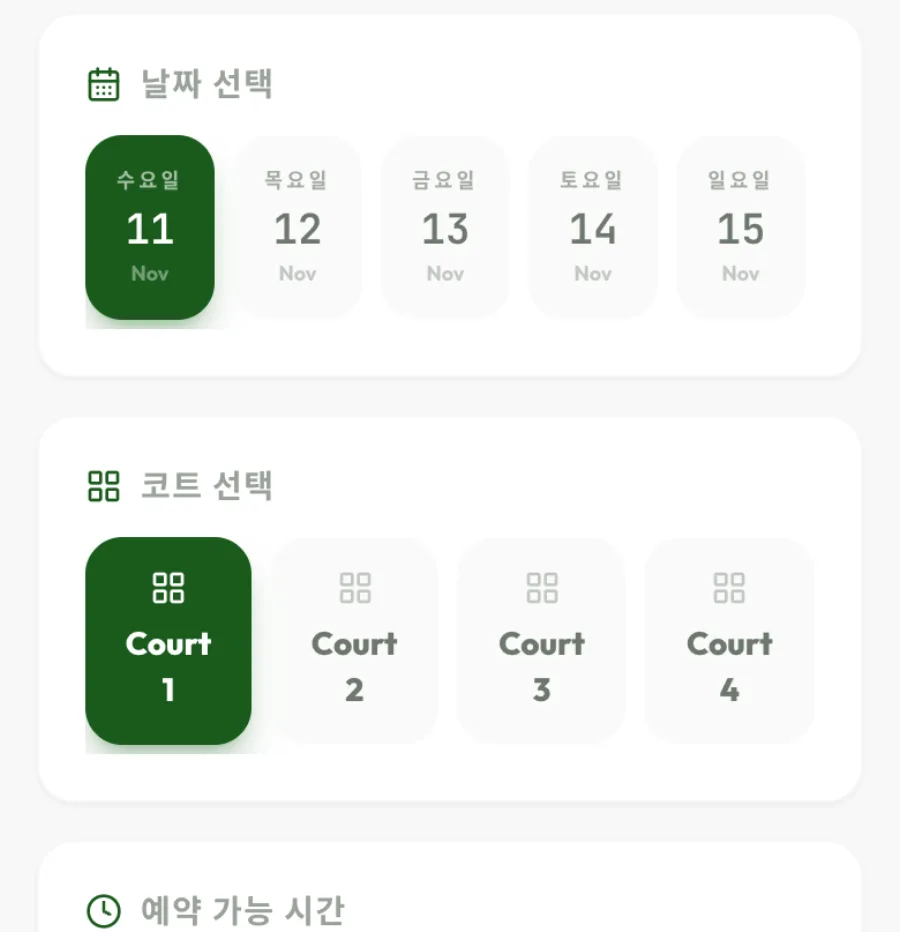
Once you choose how to book, you pick the date, court number and available time one by one, from top to bottom. Each step asks for only one decision, so first-time users don’t lose their place.
Each time slot shows the spots left and a busy-hour mark, so open times are easy to find. In the app, you pay with VietQR, the booking is confirmed once the court operator verifies it, and you enter with a QR ticket.
Rankings and clubs after the match
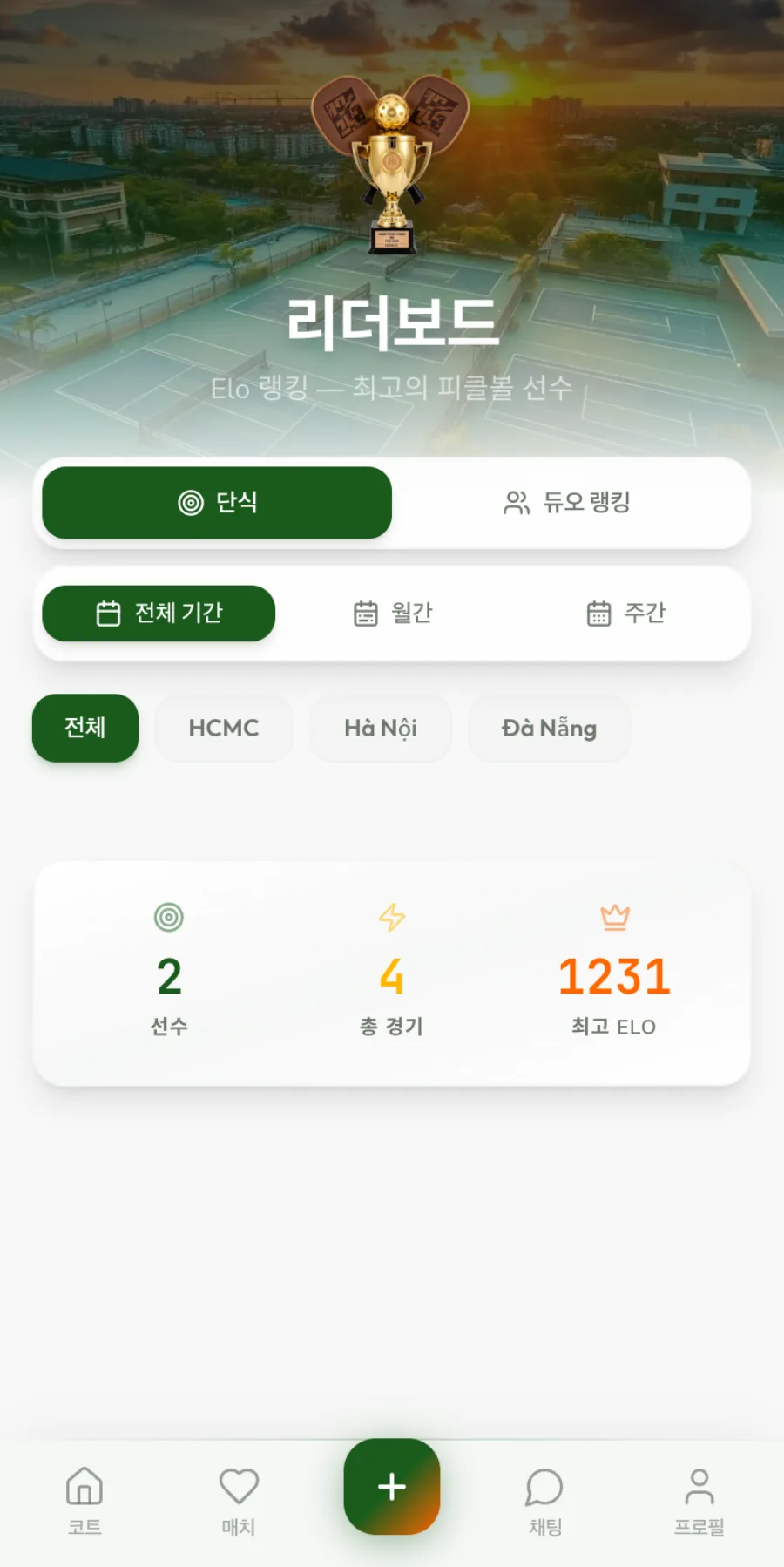
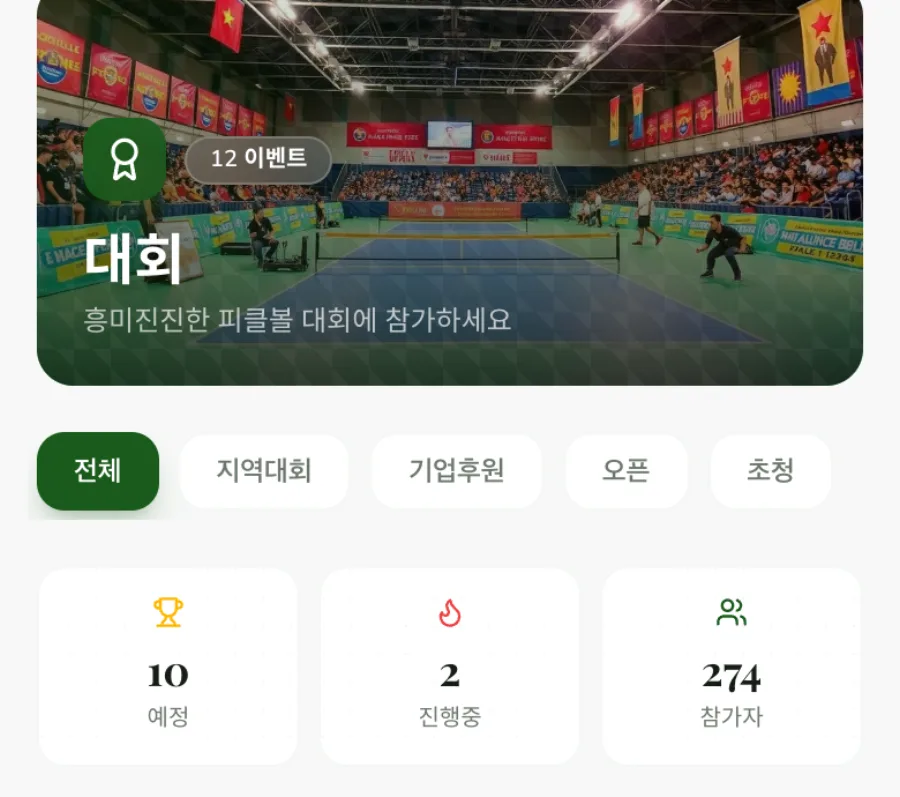
The leaderboard separates singles and duo rankings and shows ELO rankings for all time, monthly and weekly, and by region (HCMC, Hanoi, Da Nang). On the tournament screen, you browse regional, corporate-sponsored, open and invitational tournaments separately.
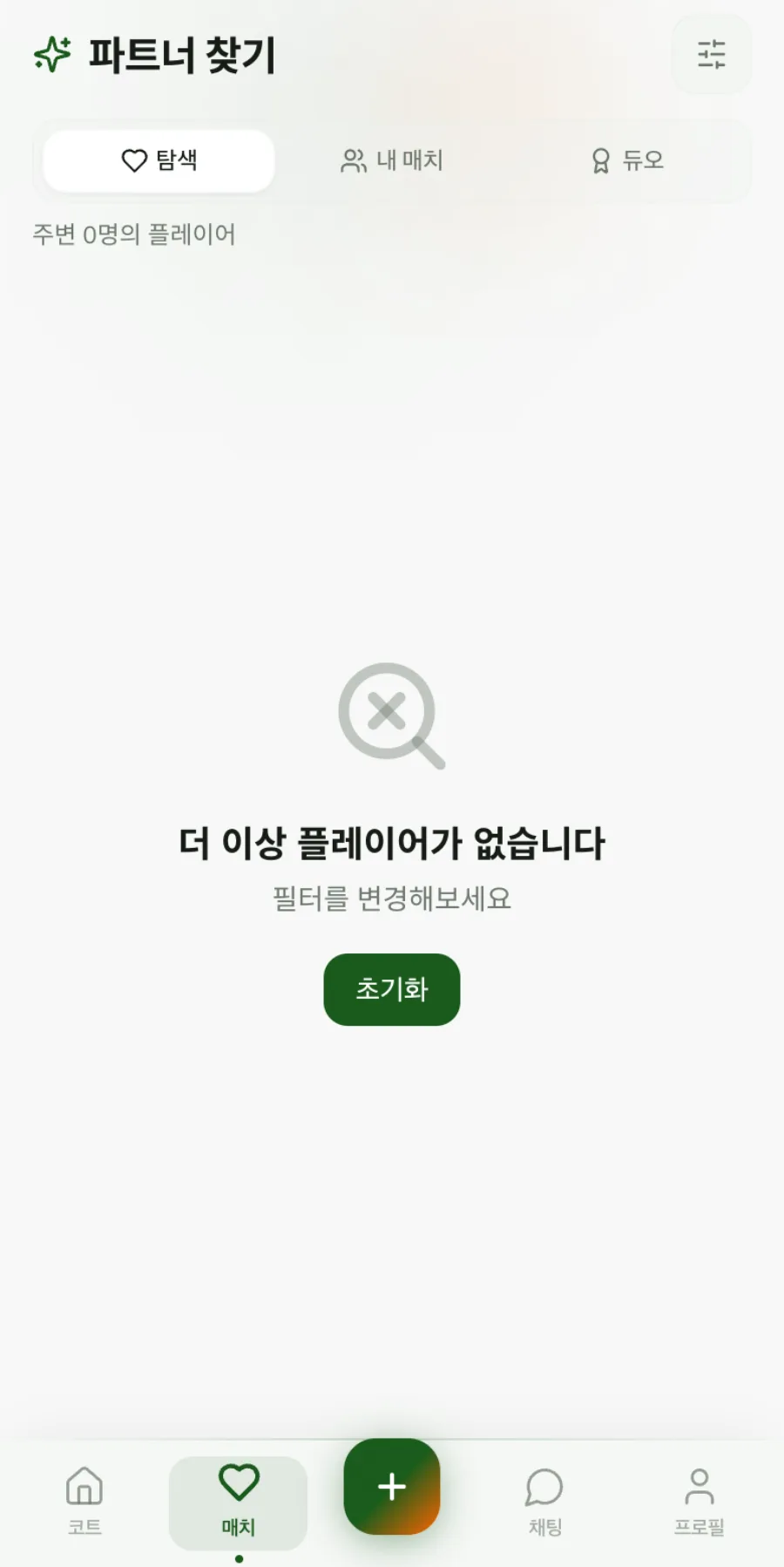
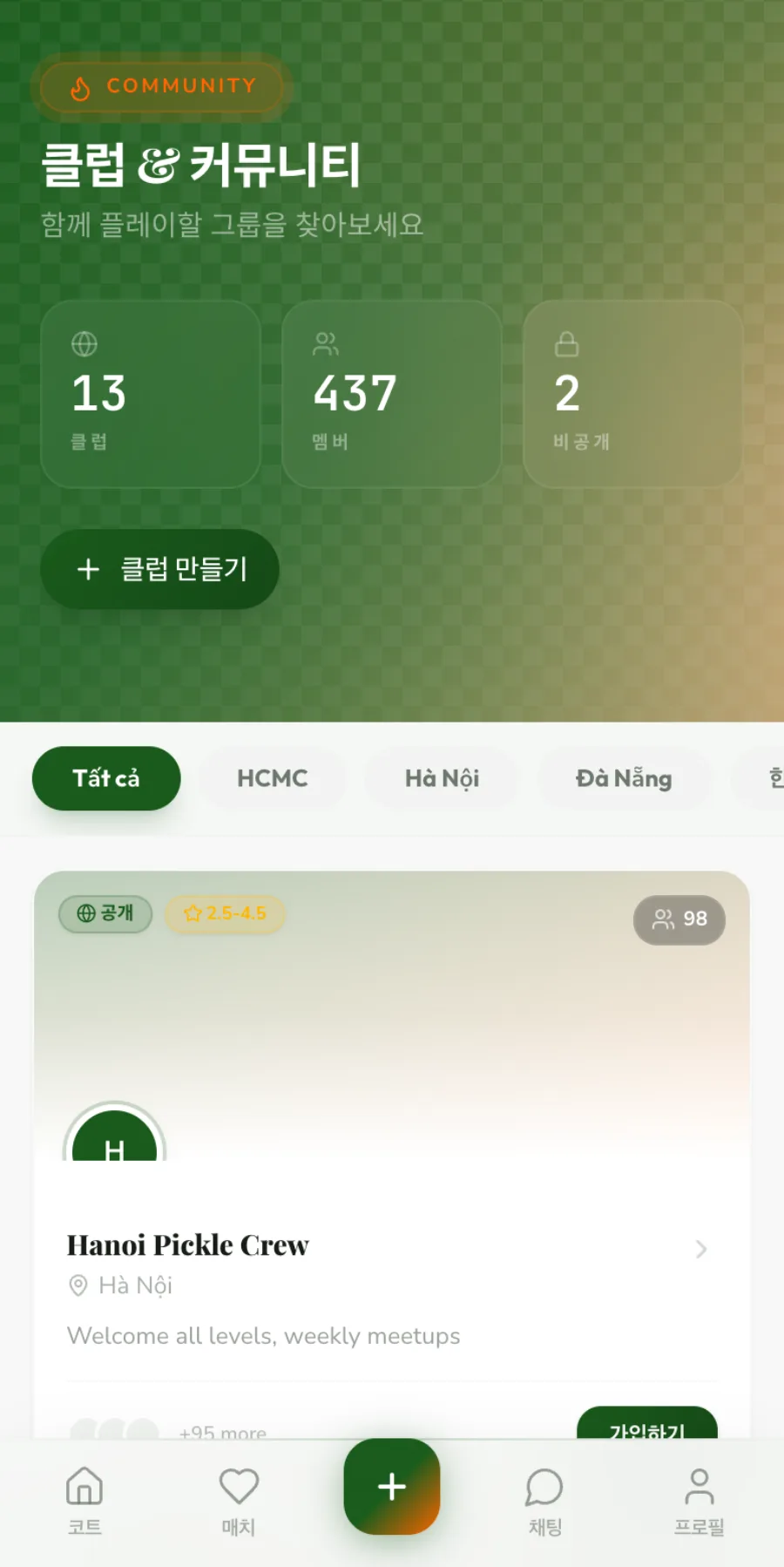
On the clubs screen, you can browse clubs by region, join one or create your own, and partner search helps you find players who fit your criteria. We designed it so one match leads to the next match and the next gathering.